Custom jobs, tracked from deposit to delivery.
For businesses that make, print, build or customise before they sell.
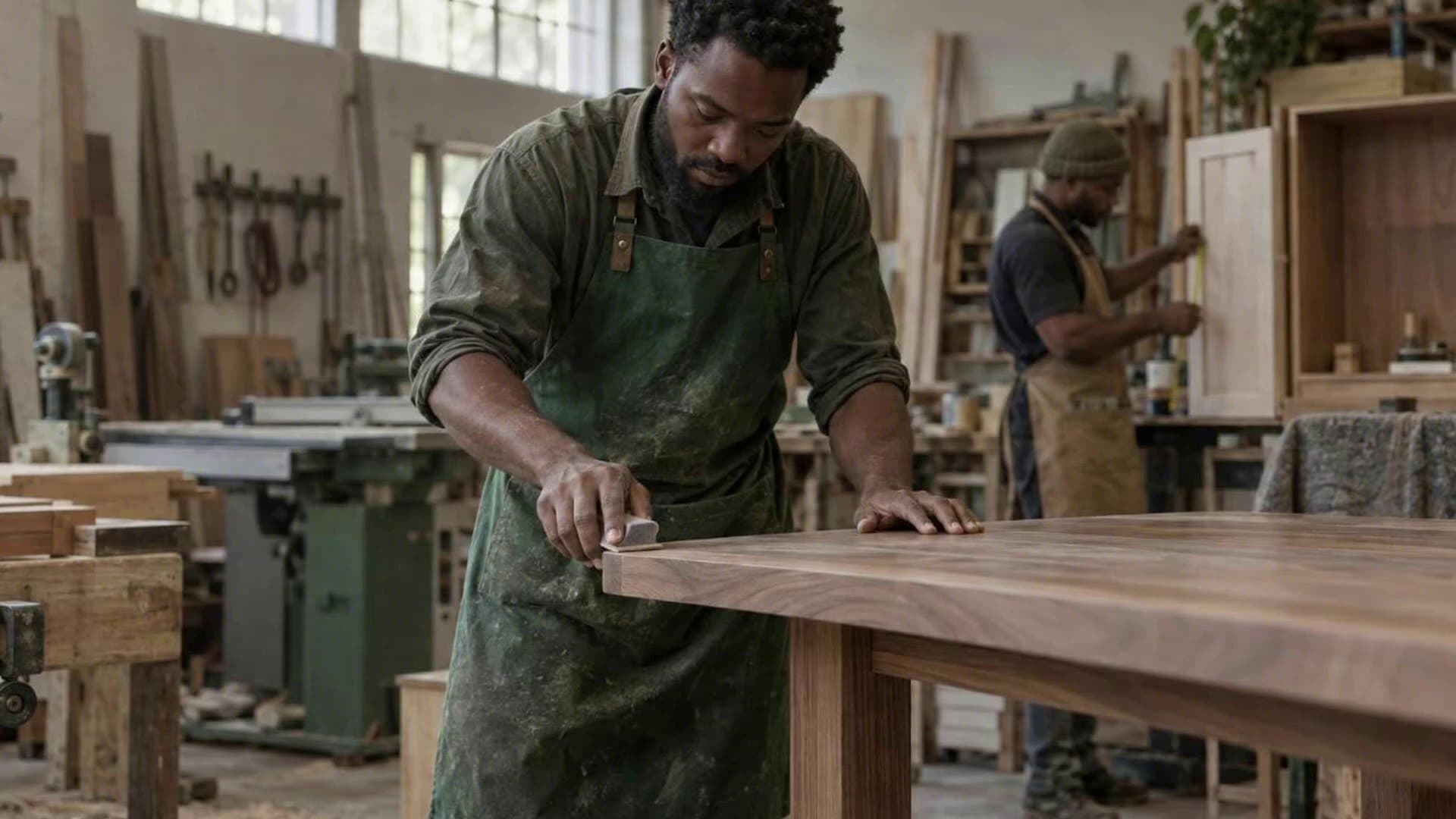
Made-to-Order & Custom Jobs, in short
Made-to-order in POSly turns a sale into a job that moves through your own stages, for example design, proof, approval, production and delivery. Deposits are taken up front, files stay with the job, and stock is only deducted when the order is fulfilled.
What changes on day one.
“Custom jobs live on sticky notes and in someone's head.”
Every order sits on a stages board, so anyone can see what is waiting for design, approval or collection.
“Deposits get lost between the order and the final invoice.”
Deposits are recorded against the order and carried into the final sale as part-payment.
“Stock is deducted before the job is even made.”
Stock moves only when the order reaches fulfilment, so your counts match what has actually left.
What's included.
Some areas are switched on per business, and your plan, settings and staff permissions decide who sees what.
- Save a sale as an order with your own stages
- Stages board with each order's current step
- File attachments on orders, such as artwork and proofs
- Deposits that convert to part-paid sales
- Stock deducted at fulfilment, not at order
Common questions.
Who is made-to-order for?
Printers, signage and uniform suppliers, furniture makers and any business that takes a deposit before producing or customising the item.
When is stock deducted for a made-to-order job?
When the order reaches fulfilment, not when it is taken, so your stock counts match what has actually left.
How are deposits handled on custom orders?
The deposit is recorded against the order and carried into the final sale as part-payment.
Can I attach artwork or proofs to an order?
Yes. Files such as artwork and proofs are attached to the order and stay with it through every stage.
Is made-to-order switched on for every business?
No. It is switched on per business when you need it, and you define your own stages.